Elden Ring Nightreign Best Settings for PC Performance
Nightreign is locked to 60 fps with no DLSS or FSR, so PC tuning is about frame consistency, not headline numbers. Here are the official specs and the settings that move the needle.
Contents
Requirements re-checked against the live Steam page; confirmed the 60 fps cap still stands at version 1.03.5.
Elden Ring Nightreign runs at a hard 60 fps on PC and has no DLSS, no FSR and no frame generation, so there is no headline number to chase here. The job is frame consistency: holding 60 without the microstutter the port is known for. In practice that means turning Depth of Field and Motion Blur off, dropping Water Surface to Low and Effects to Medium, and leaving the cheap settings — antialiasing, SSAO, lighting, grass — alone. Everything below comes from Steam's published requirements and from the two outlets that actually put the port on a bench.
It is worth saying plainly what this guide is not. We have not benchmarked Nightreign ourselves. The settings recommendations come from Charles Burgar's PC settings guide for TheGamer, published on 31 May 2025, which we opened and checked against every claim we make from it, and the performance behaviour comes from PC Gamer's analysis of the PC build.
What are the PC system requirements for Elden Ring Nightreign?
Steam lists two tiers, and both are modest by 2026 standards — which is exactly what you would expect from a game that will never render more than 60 frames a second no matter what you put in the machine. The figures below were read from the Steam store page on 20 September 2026.
| Component | Minimum | Recommended |
|---|---|---|
| OS | Windows 10 (64-bit) | Windows 11 (64-bit) |
| Processor | Intel Core i5-10600 / AMD Ryzen 5 5500 | Intel Core i5-11500 / AMD Ryzen 5 5600 |
| Memory | 12 GB RAM | 16 GB RAM |
| Graphics | NVIDIA GeForce GTX 1060 3 GB / AMD Radeon RX 580 4 GB | NVIDIA GeForce GTX 1070 8 GB / AMD Radeon RX Vega 56 8 GB |
| DirectX | Version 12 | Version 12 |
| Storage | 30 GB available | 30 GB available |
| Audio | Windows-compatible audio device | Windows-compatible audio device |
Read those as a 1080p target. The more telling detail is what is absent: there is no separate 1440p or 4K recommendation, because resolution is not where this game's bottleneck lives.
Is Elden Ring Nightreign capped at 60 fps on PC?
Yes, and there is no way around it from inside the game. TheGamer's settings guide states that Nightreign's frame rate cannot exceed 60 fps and that the limit cannot be circumvented without user-created mods. Vsync is enabled at all times as well, and switching it off through your GPU control panel does not lift the cap — it only introduces screen tearing.
That single fact reorganises the whole tuning exercise. On most PC games you lower settings to raise the frame rate. Here 60 is both the ceiling and the floor you are defending, so every setting you turn down buys headroom against the moments when frame times spike, not frames you can watch accumulate on a counter. Tuning Nightreign is a stability problem wearing a performance problem's clothes.
Does Nightreign support DLSS, FSR or frame generation?
No. TheGamer's guide is unambiguous on this: "Nightreign lacks any form of upscaling or frame generation", which leaves anyone struggling to hold 60 fps with exactly two levers — lower settings, or a lower display resolution.
There is no DLSS, no FSR, no XeSS and no in-game frame generation toggle. If you are used to leaning on an upscaler to claw back performance on a demanding title, that habit does not transfer, and it is one of the clearest tells that the PC build is a console port first.
We also went looking for a claim that circulates in search summaries, that driver-level frame generation on recent NVIDIA hardware doubles the cap. We opened the article it is usually attributed to and it is not in there. Until somebody publishes tested numbers, 60 is the number.
Best graphics settings for Elden Ring Nightreign
The table below is TheGamer's recommended configuration with the reasoning attached. It is built on one idea: at a 60 fps cap on a CPU-bound engine, settings that cost GPU time are close to free, and the ones worth cutting are those that either cost frames in busy fights or actively make the game harder to read.
| Setting | Recommended | Why |
|---|---|---|
| Texture Quality | Medium or High | Visual return per frame cost is poor above High |
| Antialiasing | High | Cheap on a CPU-bound title |
| SSAO | High | Cheap on a CPU-bound title |
| Depth of Field | Off | Costs frames and hides enemies at distance |
| Motion Blur | Off | Costs frames and hurts readability in fights |
| Shadows | Medium or High | One of the heavier settings in the menu |
| Lighting | High or Maximum | Low GPU-side cost at the 60 fps cap |
| Effects | Medium | Reduces cost in dense multi-enemy fights |
| Volumetric Lighting | High | Little measurable cost at this cap |
| Reflections | High | Little measurable cost at this cap |
| Water Surface | Low | Largest cost-to-benefit gap in the menu |
| Shaders | High | Little measurable cost at this cap |
| Global Illumination | High | Little measurable cost at this cap |
| Grass | High or Maximum | Cheap on this engine |
The two-line version: turn Depth of Field and Motion Blur off, put Water Surface on Low and Effects on Medium, leave everything else high. Water Surface is singled out in the source as the single largest cost-to-benefit gap anywhere in the menu, which is a strange thing to be true of a game you spend most of your time on dry land in, and a free win regardless.
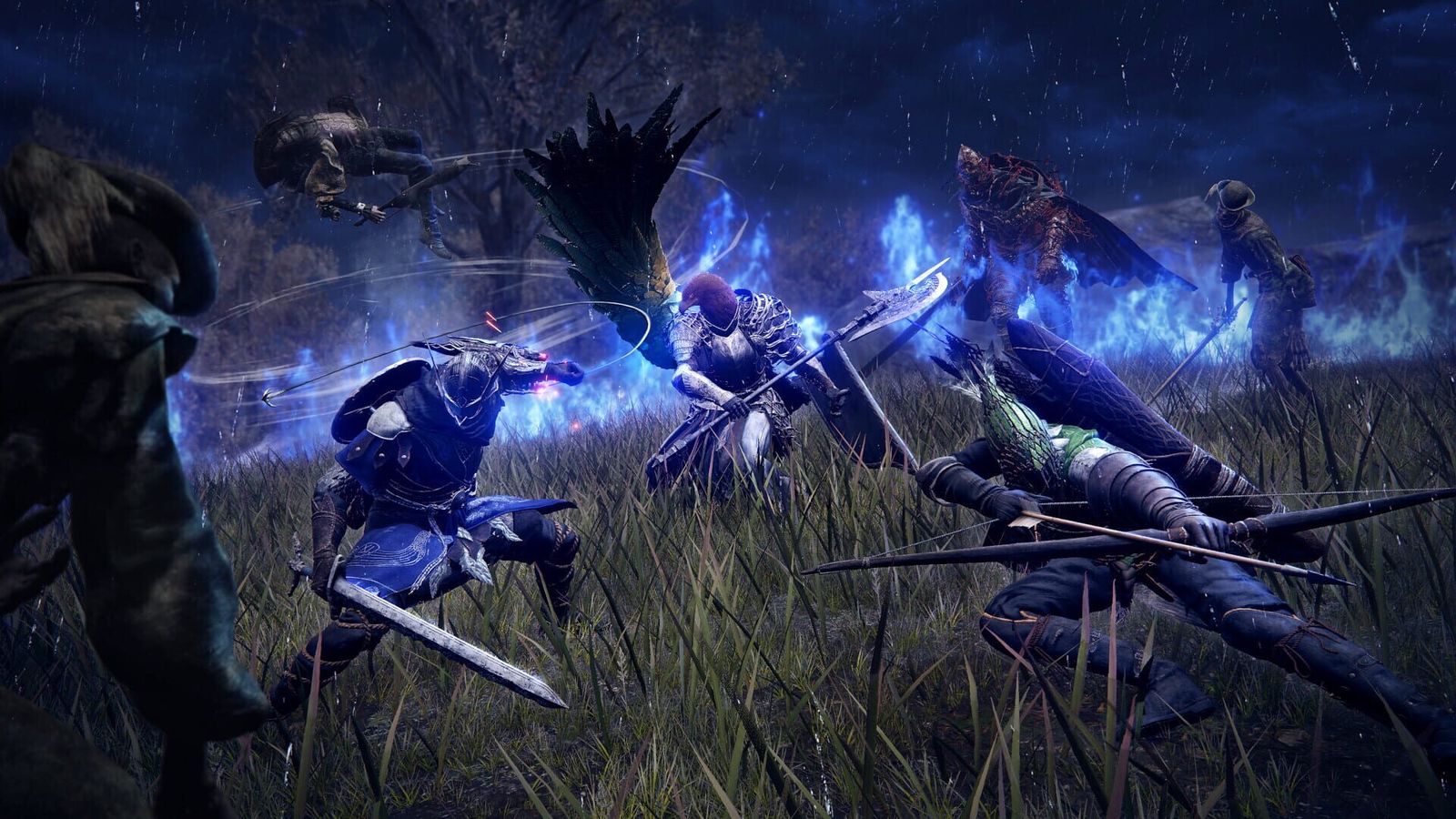
Why does Nightreign stutter even on high-end hardware?
Because the bottleneck is the processor, not the graphics card. PC Gamer's performance analysis of the PC build — headlined, bluntly, as a bare-bones console port — reports microstutter that does not resolve itself on faster hardware, and FromSoftware's engine has a long history of leaving GPU headroom unused even at 4K native.
That tells you where to spend and where not to. A newer graphics card will not fix a stutter that was never GPU-bound in the first place. Lowering the settings whose cost scales with how much is happening on screen — Effects and Shadows above all — gives the CPU less to coordinate, and that is the lever that actually moves under you.
Which settings should you turn off first?
In order: Depth of Field, then Motion Blur, then Water Surface down to Low, then Effects down to Medium.
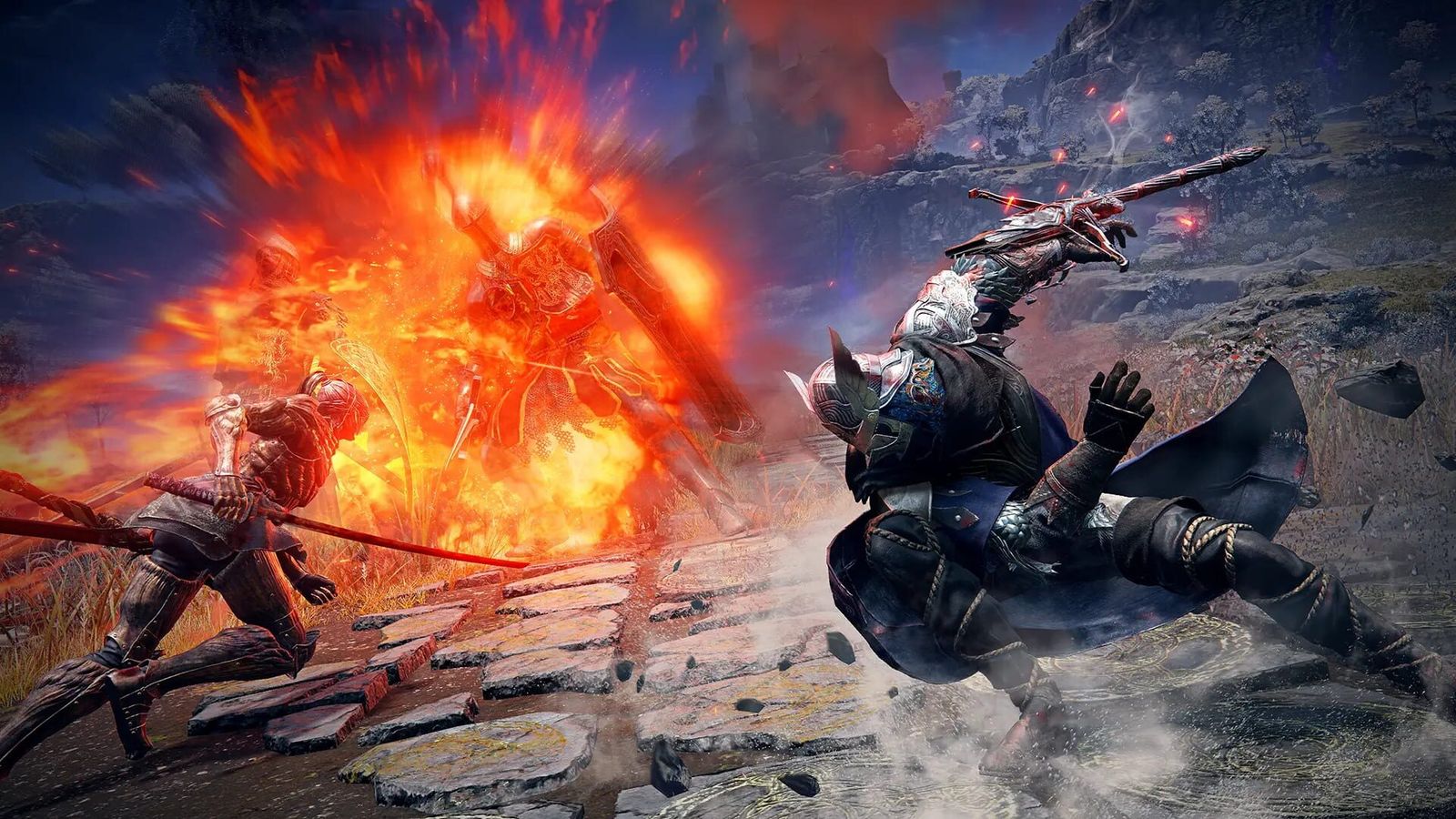
The first two are easy calls and they are not only about performance. Depth of Field blurs enemies at exactly the distance you most need to see them, which matters in a game where a Night Boss can be crossing the arena at you while you are reading a health bar. Motion Blur does the same to fast camera movement. Both cost frames and both cost clarity, so there is no argument for either.
Water Surface and Effects are the performance calls proper. Water Surface is the cheapest win available. Effects is the setting whose cost rises with how much is happening at once, which is precisely the situation — three players, a Night Boss, a camp's worth of adds still alive — where a marginal machine drops frames.
Can you get above 60 fps in Nightreign?
Not through the game. TheGamer's guide says the only route it knows of is user-created mods, which is outside anything we would recommend for an online co-op title and outside anything anybody has published tested figures for.
This is also the one place in this guide where the honest answer is to subtract something rather than add it. The claim about driver-level frame generation lifting the cap is repeated widely enough that you will meet it; we checked the source it is attributed to, found nothing, and are not passing it along. Treat 60 as fixed and spend your effort on frame times instead.
Does your PC meet the bar for Nightreign?
Almost certainly, if you are anywhere near Steam's recommended tier — and that is a more interesting statement than it first sounds. A GTX 1070 with 8 GB alongside a Ryzen 5 5600 is the published recommendation, and the 60 fps cap means a mid-range GPU is rarely what holds this game back.
So read the requirements upside down. The processor line is the one to take seriously; the graphics line is the one you can be relaxed about. If you are running something in the recommended band and still seeing stutter in busy fights, that is the port rather than your build, and the settings above are the only part of it you control.
If you are still deciding whether it is worth installing at all, our Elden Ring Nightreign review works through what the critics and the player base concluded. If you have already bought it, the beginner guide covers your first expeditions, and the Nightreign hub collects everything else we have written.
FAQ
Is Elden Ring Nightreign locked to 60 fps on PC?
Yes. The game enforces a 60 fps cap and there is no in-game setting to raise it. TheGamer's settings guide reports that the limit cannot be circumvented without user-created mods, and that Vsync is enabled at all times.
Does Nightreign have DLSS or FSR?
No. There is no built-in upscaling or frame generation of any kind — no DLSS, FSR, XeSS or in-game frame generation toggle. If you cannot hold 60 fps, your only options are lower settings or a lower display resolution.
Why does Nightreign stutter on a high-end PC?
The port is CPU-bound, and PC Gamer's performance analysis found microstutter across hardware tiers rather than only on weaker machines. A faster graphics card will not fix it; reducing Effects and Shadows gives the processor less to coordinate.
What GPU do I need for Nightreign?
Steam lists a GTX 1060 3 GB or RX 580 4 GB as the minimum and a GTX 1070 8 GB or RX Vega 56 8 GB as recommended. Because of the 60 fps cap, the processor matters more than the graphics card.
How much storage does Nightreign need?
30 GB of available space, listed identically for both the minimum and recommended configurations on the Steam store page, checked on 20 September 2026.
- Elden Ring Nightreign on Steam — system requirements — Steam
- Elden Ring Nightreign: Best PC Graphics Settings — TheGamer
- Elden Ring Nightreign PC performance analysis — PC Gamer
- Elden Ring Nightreign news and patch index — Bandai Namco Entertainment Europe