Silent Hill: Townfall Best PC Settings and Stutter Fixes
Why Silent Hill: Townfall stutters on PC, which settings help, how to stop the camera making you feel sick, and how it runs on Steam Deck before Konami's patch.
Contents
First published. Checked against the launch version, before Konami's announced Steam performance patch.
Silent Hill: Townfall's worst PC problem is stutter from shaders compiled mid-play, and no graphics setting removes it completely: lower settings and upscaling raise your frame rate, but the hitches stay until Konami's promised patch arrives. If the game makes you queasy, that one is fixable today: turn on the field-of-view override, max the slider and switch off head bob and motion blur.
This guide is checked against the launch version on 25 September 2026, before any performance update. It is built on Konami's official Steam requirements and update notice, technical testing by DSOGaming and Steam Deck HQ, reporting from Notebookcheck, MP1st and Push Square, and player reports on r/silenthill, which we label as such. We have not run our own benchmarks.
What PC do you need for Silent Hill: Townfall?
Konami's Steam page asks for Windows 11 and DirectX 12 on both tiers, plus 75 GB of storage. The notes under each tier matter more than the parts list: minimum hardware should run Low settings at 1080p and 30fps, and recommended hardware High settings at 4K and 30fps, with DLSS, FSR or TSR upscaling on Balanced.
| Component | Minimum | Recommended |
|---|---|---|
| Operating system | Windows 11 64-bit | Windows 11 64-bit |
| Processor | AMD Ryzen 5 3600 / Intel Core i7-8700K | AMD Ryzen 7 5700X / Intel Core i7-9700K |
| Memory | 16 GB | 32 GB |
| Graphics | Nvidia RTX 2060 Super / AMD RX 6600 | Nvidia RTX 3080 / AMD RX 7800 XT |
| Storage | 75 GB | 75 GB |
| Konami's target | Low, 1080p, 30fps | High, 4K, 30fps with Balanced upscaling |
Two things follow from Konami's own numbers. Both targets are 30fps, not 60, and the 4K target already assumes upscaling, so native high-resolution play is beyond what the studio promises even on a recommended machine.
Why does Townfall stutter on PC?
Townfall runs on Unreal Engine 5, and its main problem is shader compilation. DSOGaming found that the game has a shader step at launch that "does not compile all the shaders", so the rest are built while you play. During those moments every core of its Ryzen 9 7950X3D was fully loaded and the frame-time graph turned erratic.
Raw power does not hide it. The same test ran above 60fps at native 4K with maximum settings and hardware Lumen on an RTX 5090, and still called the game rough because of the hitches. Notebookcheck found the same pattern in early Steam reviews, with stutter hitting as players enter new areas.
Players in a 134-comment r/silenthill thread describe both shader and traversal stutter, and several say the hitches become less frequent further into the game, which fits shaders being cached once built. That is player experience, not a measurement.
Some players also describe the game as CPU-heavy outside those spikes. One in the same thread reported an RTX 5070 Ti sitting at 85 to 89% utilisation at 4K alongside a Ryzen 7 5700X, Konami's recommended processor, which suggests the CPU rather than the graphics card sets the pace on some systems. It is a single report, but it fits a recommended tier that asks for an eight-core CPU and 32 GB of memory.
Which Townfall settings actually help?
Because the hitches come from the CPU compiling shaders, graphics settings mostly change your average frame rate, not the stutter. The table separates what is documented from what individual players report.
| Setting or step | What it changes | Recommendation | Source |
|---|---|---|---|
| Shader step at first launch | Builds part of the shader cache before you play | Let it finish in the main menu before loading a save | DSOGaming; players on r/silenthill |
| Upscaling (DLSS, FSR or TSR) | Renders below output resolution | Balanced, as Konami's own 4K target assumes | Konami (Steam requirements) |
| Resolution and quality preset | GPU load and average frame rate | Lower it if you miss your target, but do not expect the hitches to go | DSOGaming (stutter is CPU-side compilation) |
| Shadow and fog quality | GPU load | One player with an RTX 4090 reports Medium reduced stutter; not independently tested | r/silenthill (single player report) |
| Frame generation | Inserts generated frames | Avoid while the base frame rate is unstable | Steam Deck HQ (Lossless Scaling and MAKO on Steam Deck) |
Frame generation deserves a specific warning. Steam Deck HQ found it felt smoother when it worked, but the uneven base frame rate produced more stutter, not less. Until a patch steadies the base frame rate, it tends to magnify the problem rather than hide it.
How do you stop Townfall giving you motion sickness?
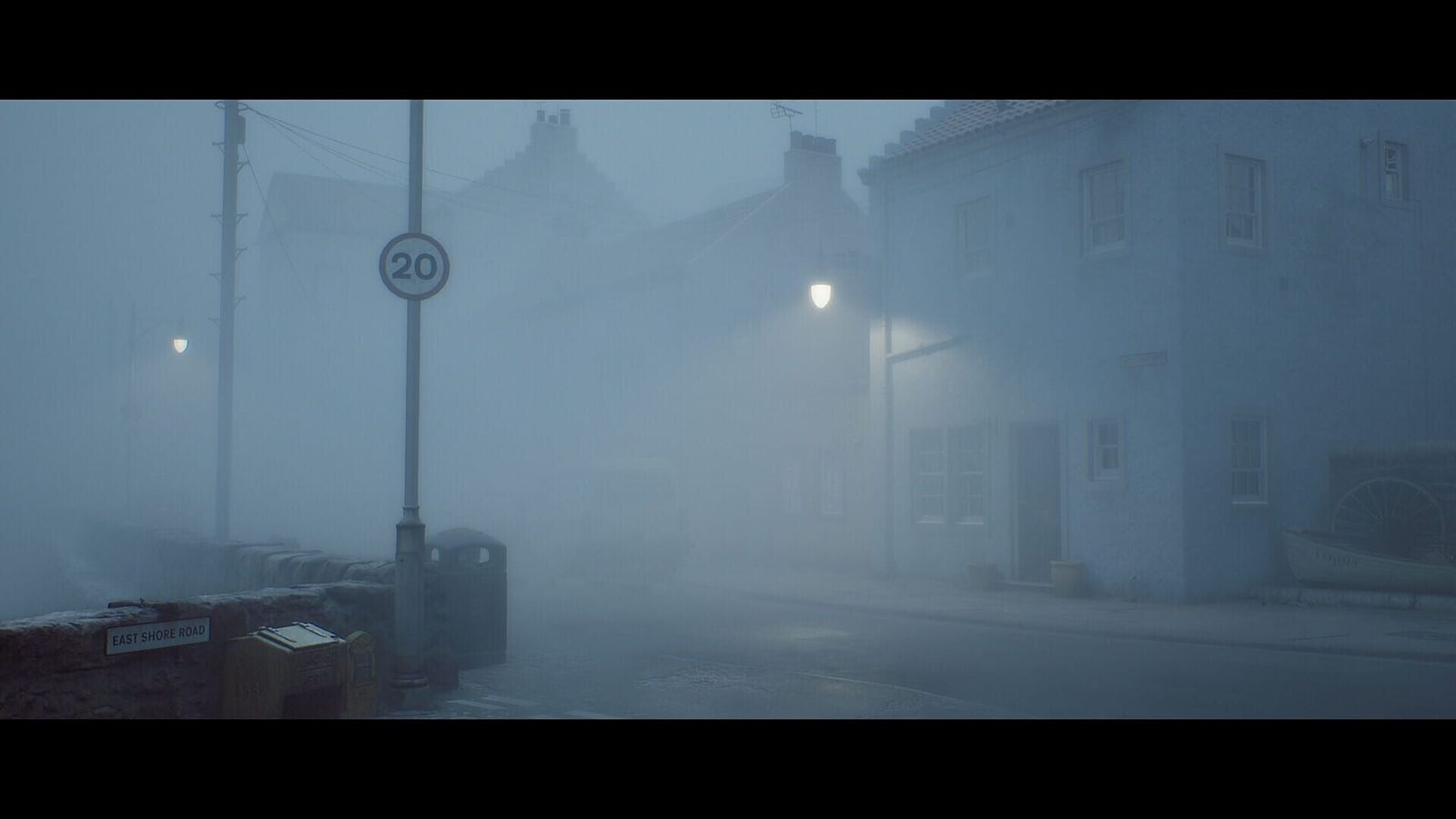
Some players report dizziness and nausea while playing, and both MP1st and iXBT.games traced it to the default camera: a narrow field of view, head bob, motion blur and letterboxing. The options to change all four are already in the game's settings.
- Turn on Override Field of View, then raise Field of View to the maximum (85, according to MP1st).
- Turn Head Bob off.
- Turn Motion Blur off.
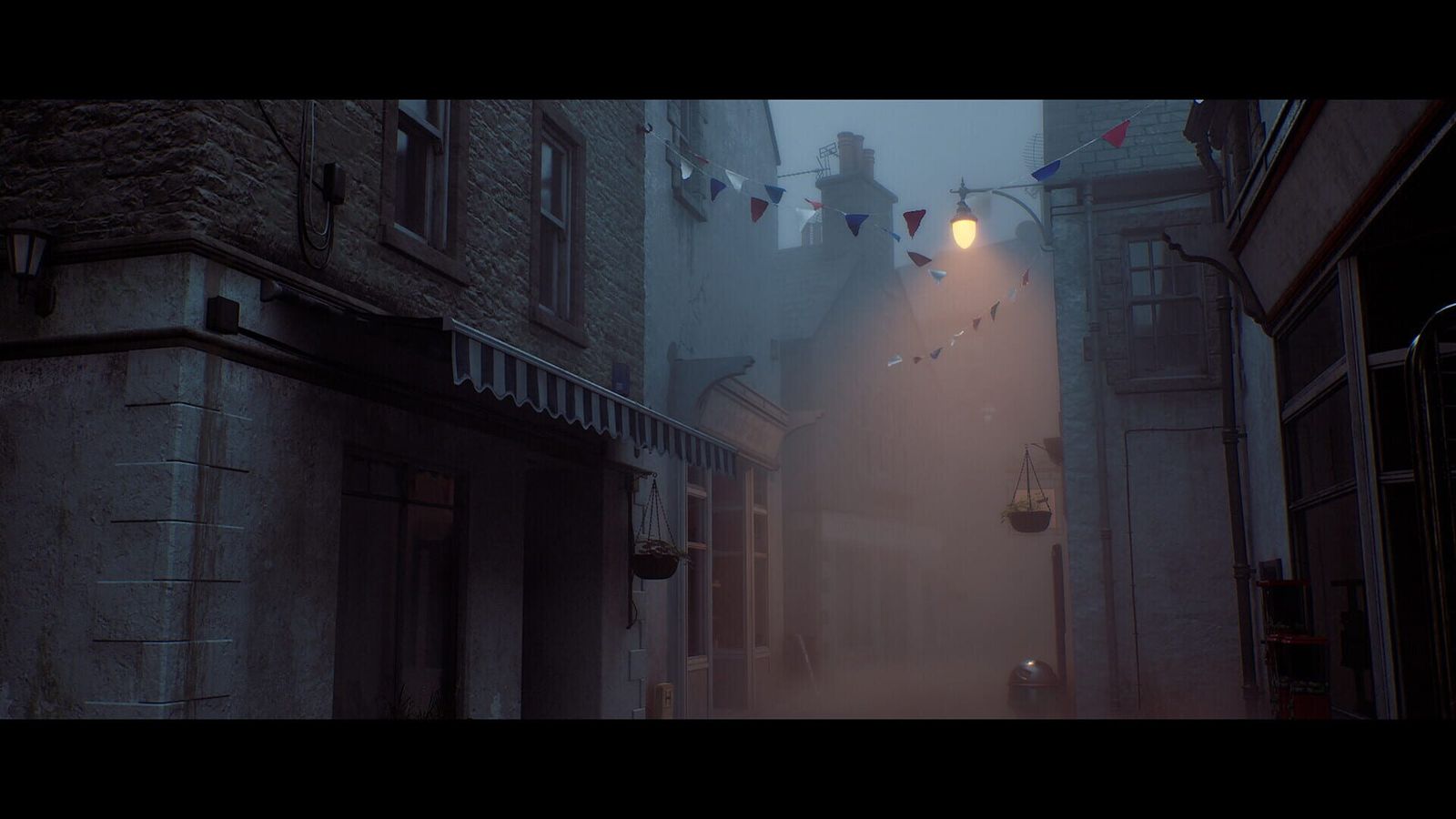
- Turn Letterboxing off to remove the black bars above and below the image.
- Lower Aim Sensitivity if fast camera turns bother you; MP1st suggests 0.5.
As far as we could find, neither Konami nor developer Screen Burn has commented publicly on the camera defaults. The letterbox bars appear in Konami's own screenshots, so switching them off changes the intended framing: a trade-off rather than a pure fix.
Can you play Silent Hill: Townfall on Steam Deck?
Technically yes, but Valve rates it Unsupported on Steam Deck, citing graphics performance. Steam Deck HQ, testing a review copy before launch, called it borderline playable: it holds 30fps on the lowest settings with upscaling while you walk, but running through town can drop it into the 10fps range.
| Setting | Value |
|---|---|
| Frame rate limit | 30fps |
| Refresh rate | 90Hz |
| TDP limit | None |
| Scaling filter | Linear |
| Proton | No forced compatibility |
| In-game settings | Lowest, with TSR upscaling at Ultra Performance |
| Power draw and temperature | 21–24W, 75–80°C |
| Battery life | 2–2.5 hours |
The site preferred TSR to FSR because the two performed alike and FSR's shimmer was more distracting. It suggested Steam's shared shader cache might smooth the drops after launch, but was not sure whether they come from shader compilation or a CPU bottleneck.
Is the PS5 version any better?
Not clearly. On PS5 there is a Quality mode targeting 30fps and a Performance mode targeting 60fps, according to Push Square, whose reviewer played in Quality mode on PS5 Pro and reported a smooth run. Notebookcheck, summarising early reports, said both modes often fall short of their targets and that PS5 Pro stutters occasionally. Konami's patch notice mentions only the Steam version.
When is the Townfall PC performance patch coming?
There is no date. Konami's notice on Steam, posted at 01:15 UTC on 24 September, says it is working on an update for "performance-related issues affecting the Steam version" and will announce the release date on the official Townfall website and the Silent Hill social channels. As of 25 September, no patch has appeared in the game's Steam news feed.
When the update arrives, the first thing worth checking is whether the launch shader step grows. DSOGaming asked for an option to compile every shader on first launch, a change that would target the hitches directly rather than just raise the average frame rate.
We will update this guide when the patch lands, including which of the advice above still applies. Our Townfall review sets the performance problems against what critics praise. For the wider picture, our story on Townfall's Steam reviews shows how much of the criticism is about performance, and our look at Monster Hunter Wilds' PC problem shows how a rough PC launch can follow a game for months. Everything else lives on our Silent Hill: Townfall hub.
FAQ
Why does Silent Hill: Townfall stutter on PC?
Mostly shader compilation. The game prepares some shaders at launch but not all, so the rest compile during play and briefly max out the CPU. DSOGaming saw it even on an RTX 5090. Konami has confirmed a Steam performance patch but has not dated it.
Will lowering graphics settings fix Townfall's stutter?
Not fully. Lower settings and upscaling raise your average frame rate, but the hitches come from the CPU compiling shaders, so they persist. Let the launch shader step finish, then use upscaling on Balanced, as Konami's own recommended target does.
How do I stop Silent Hill: Townfall making me feel sick?
Turn on Override Field of View and raise Field of View to the maximum, then switch off Head Bob, Motion Blur and Letterboxing. MP1st and iXBT.games both point to the narrow default field of view and camera effects as the cause.
Is Silent Hill: Townfall Steam Deck Verified?
No. Valve rates it Unsupported on Steam Deck, citing graphics performance. Steam Deck HQ found it borderline playable at 30fps on the lowest settings with TSR at Ultra Performance, with drops into the 10fps range when running through town.
What are the recommended PC specs for Silent Hill: Townfall?
Konami recommends a Ryzen 7 5700X or Core i7-9700K, 32 GB of RAM and an RTX 3080 or RX 7800 XT, for High settings at 4K and 30fps with Balanced upscaling. Windows 11 and 75 GB of storage are required.
Has Konami released a Townfall performance patch?
Not as of 25 September 2026. Konami said on 24 September that a patch for the Steam version is in development and that its date will be announced on the official website and the Silent Hill social channels.
Latest Silent Hill: Townfall news
Game hub
Silent Hill: Townfall Scores 81 With Critics but 69% on Steam as Konami Promises a PC Patch
Critics rate Silent Hill: Townfall 81, but only 69% of Steam reviews are positive. Konami says a PC performance patch is coming. Here's what the data shows.
- Notice: Upcoming Update Plans — Konami (Steam)
- Silent Hill: Townfall store page and system requirements — Steam
- Silent Hill: Townfall hits 60 FPS at native 4K on RTX 5090, but has major stutters — DSOGaming
- Silent Hill: Townfall Review + Steam Deck Performance — Steam Deck HQ
- Early access Silent Hill: Townfall reviews warn poor performance — Notebookcheck
- Silent Hill: Townfall might be making you dizzy and nauseous — MP1st
- Players started to feel sick from Silent Hill: Townfall — iXBT.games
- Silent Hill: Townfall Review (PS5) — Push Square
- Anyone else having performance issues with Townfall? — Reddit (r/silenthill)
- Steam refund policy — Valve